
Discover the best event management software for small businesses in 2025. Find top picks that streamline planning and enhance your events.
Event Management Software for Small Business: Our Complete 2025 Guide
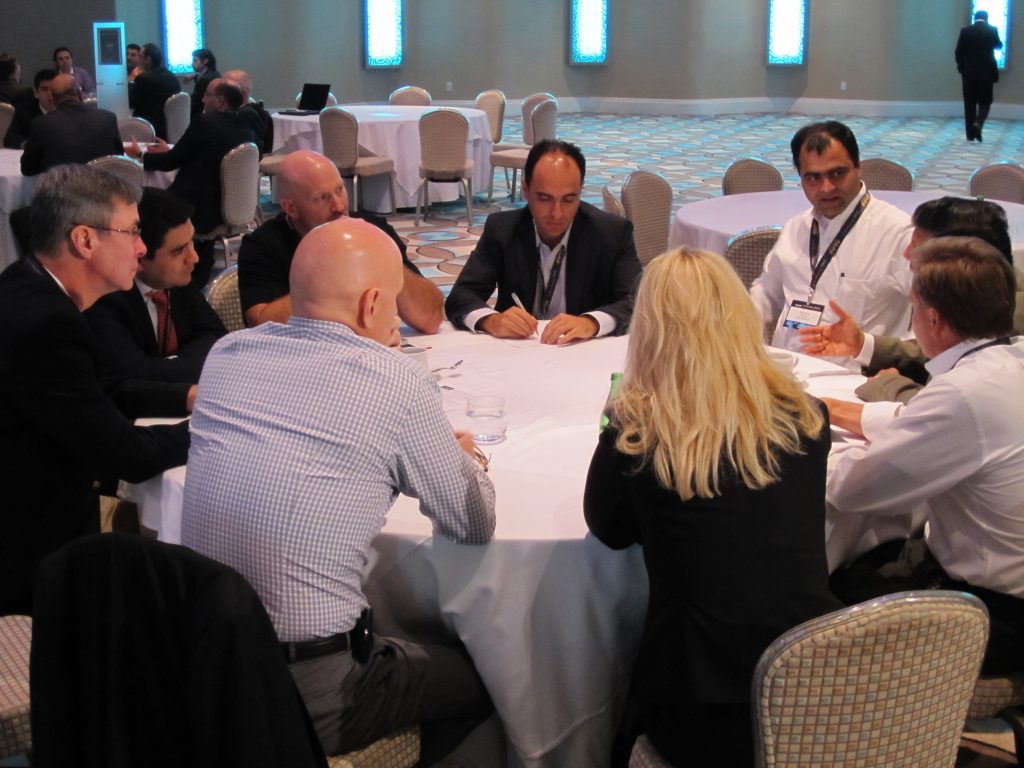
Planning successful business events can often seem like a Herculean task, especially for small business owners juggling tight budgets, limited teams, and endless logistics. Without a streamlined strategy, tasks like budgeting, vendor management, ticketing, and attendee engagement can quickly spiral out of control, impacting the event’s success and even your overall business goals.
Enter event management software—your small business’s secret weapon for alleviating operational headaches and delivering truly memorable events. Whether you’re organizing a workshop, fundraiser, product launch, or networking event, the right event software can simplify the process, enhance attendee satisfaction, and ensure your events deliver measurable ROI.
In this guide, we’ll explore how event management software transforms the event planning process, the key features to look for, and a curated list of the best platforms tailored for small businesses.
Why Small Businesses Need Event Management Software
1. Streamlining Event Planning and Execution
Successful event planning doesn’t start a month or two before the big day—it begins far in advance. For example, conferences hosting 200+ attendees are typically planned 8–12 months prior. Smaller events also require significant lead time to align marketing strategies, develop detailed agendas, and ensure smooth execution on the day of the event.
Event software allows small businesses to consolidate all these planning tasks into one intuitive platform. Say goodbye to juggling spreadsheets, mishandling communication, or missing vendor deadlines. With the right tool, you can manage budgets, invite lists, vendor schedules, and content through a single dashboard. Some platforms even allow event organizers to create bespoke, branded websites to house essential information, ensuring your event foundation is clear and professional from the start.
2. Improving Communication and Collaboration
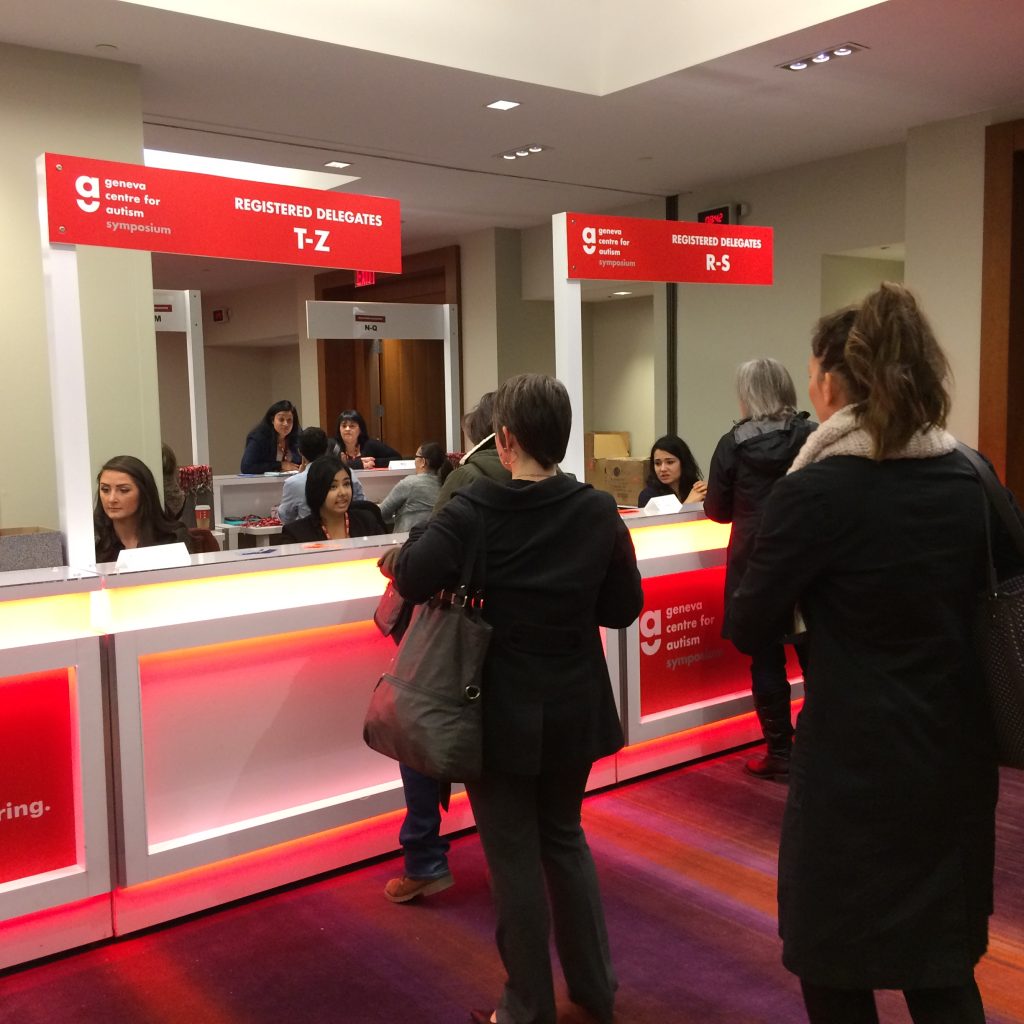
Events thrive on effective communication—both within your team and with your attendees. Advanced event platforms facilitate tailored communication at every stage. For example, during the event registration process, you can ask attendees what topics they’re most excited about and send personalized updates highlighting relevant speakers, sponsor deals, or workshop sessions.
Additionally, these platforms amplify engagement by making it easy to share marketing assets attendees can use to spread the word. Imagine a participant posting about your event on their social profiles with beautifully branded graphics—it’s free promotion and builds valuable hype.
3. Automating Repetitive Tasks
Manually handling event registration, ticketing, payment tracking, and post-event follow-ups can consume hours and lead to errors—especially when free event registration tools are used. However, premium event management tools streamline repetitive tasks with automation.
For example, some platforms allow you to track payments and send personalized follow-up emails to invitees who haven’t yet registered—all in just a few clicks. Teams no longer have to waste time exporting spreadsheets or merging email lists with marketing tools. Instead, they can focus on higher-value tasks like attendee engagement and content curation.
4. Enhancing the Attendee Experience
Attendees today expect more than just schedules and seat assignments—they want an immersive and engaging experience. With tools like Crystal, you can create personalized agendas for participants, offer mobile check-ins, and even communicate in real-time.
Using mobile apps, you can request live feedback during the event, facilitate interactive Q&A sessions with speakers, and ping attendees about room changes or exciting updates. These features go a long way in ensuring attendees feel heard, valued, and excited about your event—all leading to stronger loyalty and future participation.
Key Features to Look for in Event Management Software
1. Budgeting and Financial Tracking
Budgeting is critical when planning events with limited resources. Your chosen event management platform should have robust budgeting tools that enable you to set financial goals and track registration revenue against these goals in real time. Look for milestone features that alert you to important financial deadlines to avoid last-minute planning flops.
2. Marketing and Promotion Tools
An event’s success largely depends on how well it’s marketed. The best tools include email marketing templates, social media integrations, and easy-to-use design loaders. For instance, platforms that allow you to send emails directly from your domain improve deliverability rates and keep your messages out of the Promotions tab or spam folder.
Make sure your chosen tool supports in-depth analytics to determine which promotional channels deliver the most conversions, allowing you to refine your strategy.
3. Reporting and Analytics
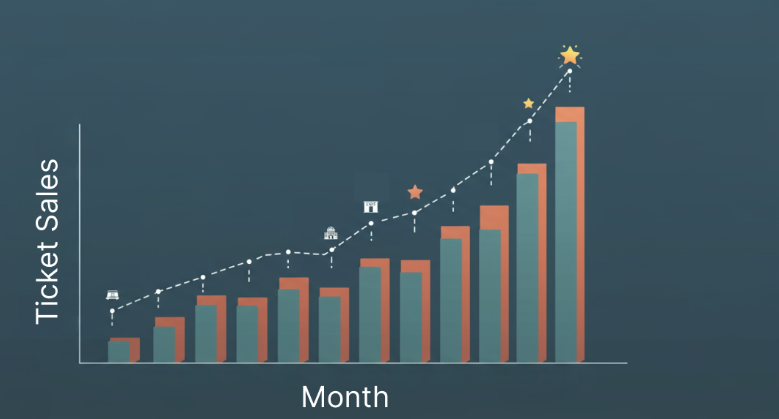
Events shouldn’t be one-off projects—they’re opportunities to learn, grow, and refine your processes. Use a platform that provides detailed reporting on metrics like attendee demographics, ticket sales, and engagement levels. A platform that generates tax-specific financial reports for your accounting team can save you countless reconciliation headaches post-event.
Top Event Management Software for Small Businesses
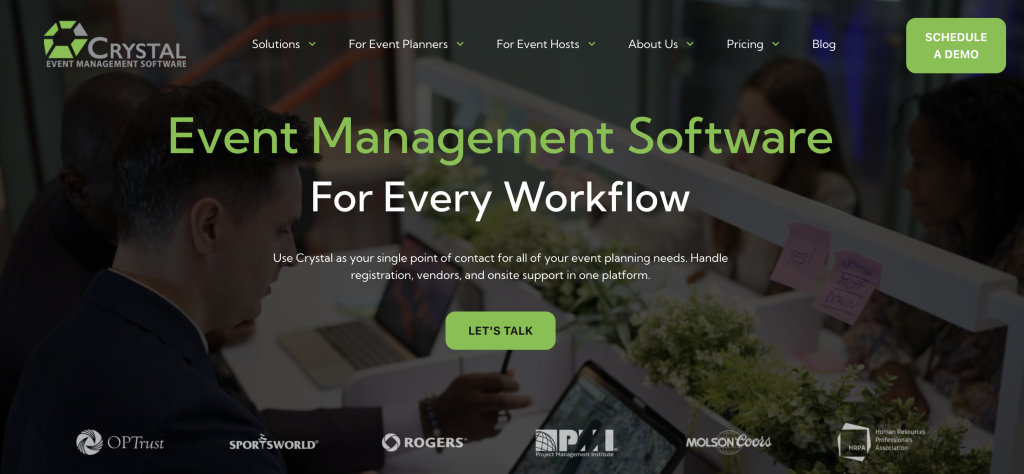
1. Crystal
Pros:
- All-in-one platform with unlimited registrations, custom branding, advanced reports, and mobile interactivity.
- Includes powerful features for multi-event management, perfect for recurring workshops or annual conferences.
Cons:
- Takes time to set up workflows, which may not suit one-off organizers.
Best for: Small businesses planning recurring or multi-faceted events.
2. Eventbrite
Pros:
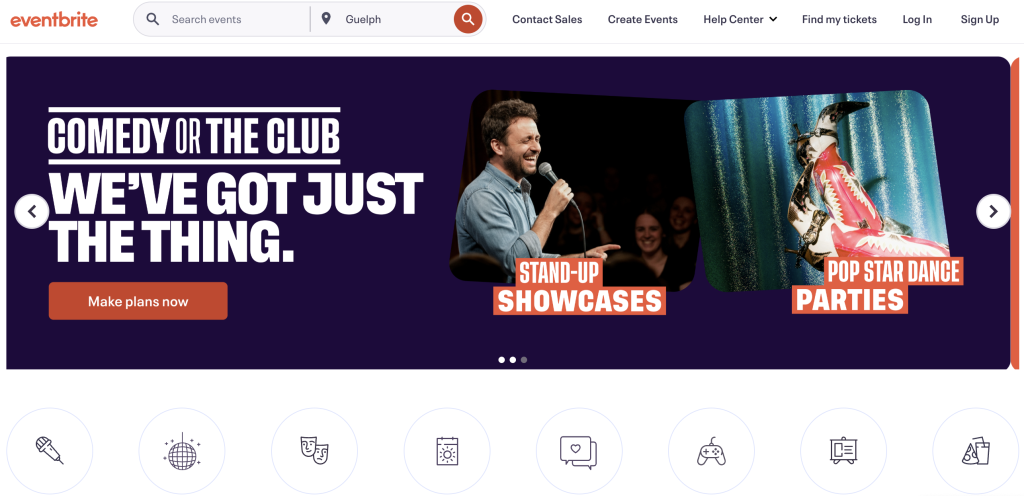
- Free for small events with simple needs.
- A household name in event planning tools.
Cons:
- Limited customization and lacks post-event surveying.
- Cannot create standalone branded websites for your event.
Best for: Casual one-off events with a strict budget.
3. EventZilla
Pros:
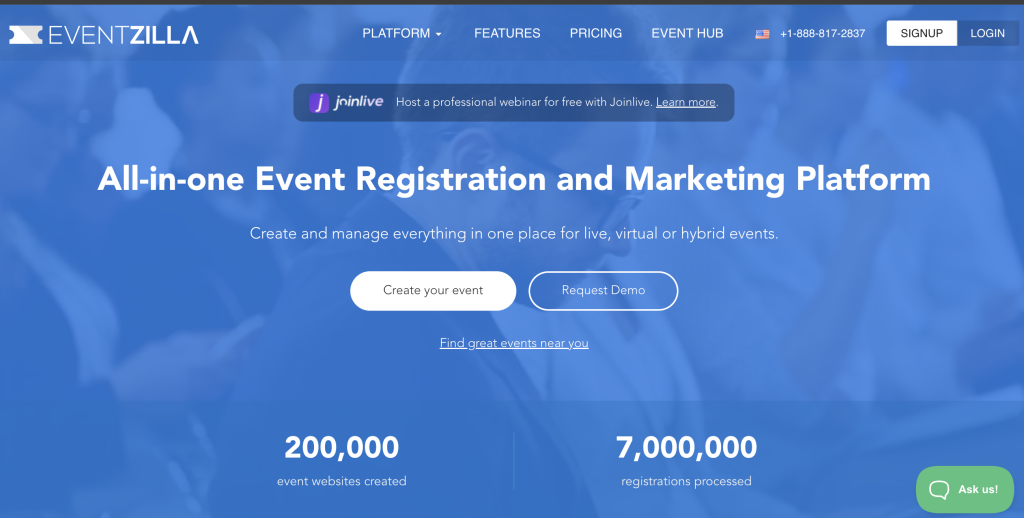
- Provides customization options, website builders, attendee check-in, and app functionality.
- Flexible pricing for smaller events.
Cons:
- Costs increase rapidly for larger-scale events with high ticket fees.
Best for: Mid-sized events with lower headcounts and a need for branding.
4. Eventtia
Pros:
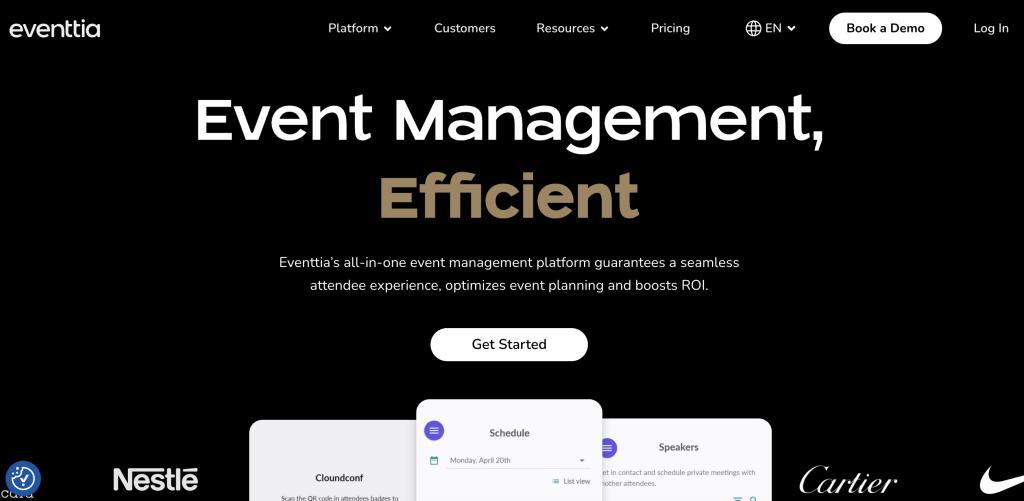
- Offers diverse functionality spanning marketing, on-site check-ins, and detailed reporting.
Cons:
- High starting cost at $1,500 USD with additional pricing for features.
Best for: Higher-budget, more formal corporate events.
5. RegFox
Pros:
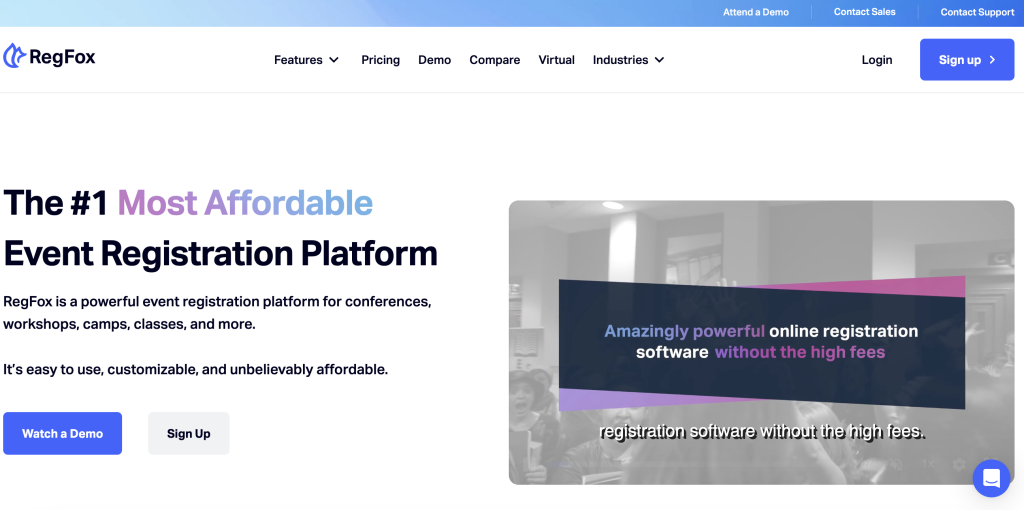
- Transparent pricing model ($0.99 per registration + 1% transaction fee).
- Comes with branding features and a user-friendly app.
Cons:
- Additional add-ons can drive up costs; lacks dedicated customer support.
Best for: Businesses on a budget that value straightforward pricing models.
6. Brella
Pros:
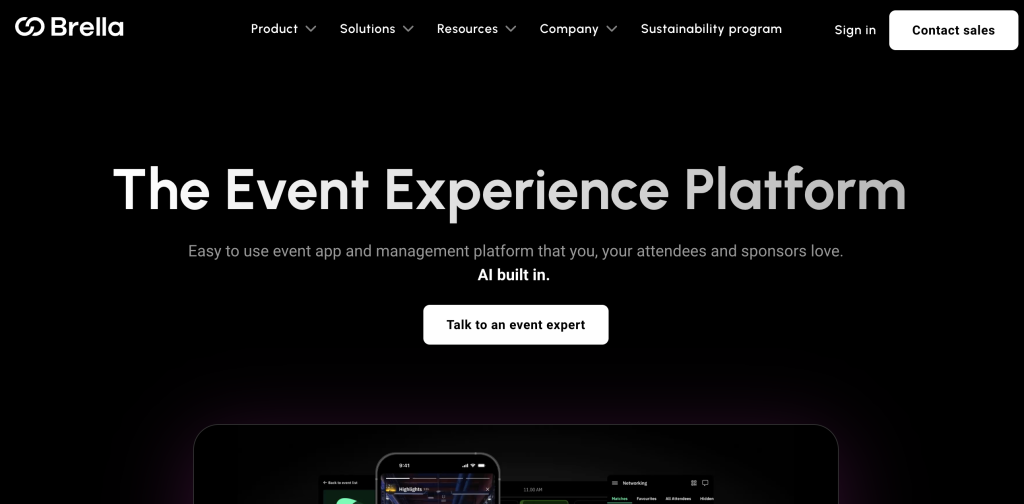
- Excellent for creating attendee matchmaking opportunities, a key part of ROI-driven events.
Cons:
- Opaque pricing and add-ons (2% transaction fees on top of Stripe’s).
Best for: Networking-heavy events focused on attendee connection.
Transform Your Events Today
No matter what size or type of event you’re planning, having the right event software can transform your process—and your results. From advanced budgeting tools to attendee engagement features, platforms like Crystal, EventZilla, and Eventtia can cater to your unique needs.
Evaluate your goals, consider your budget, and integrate a platform that elevates your events. Plan better, streamline logistics, and maximize attendee satisfaction like never before.
Want to learn more about how Crystal can help? Book a free demo here.